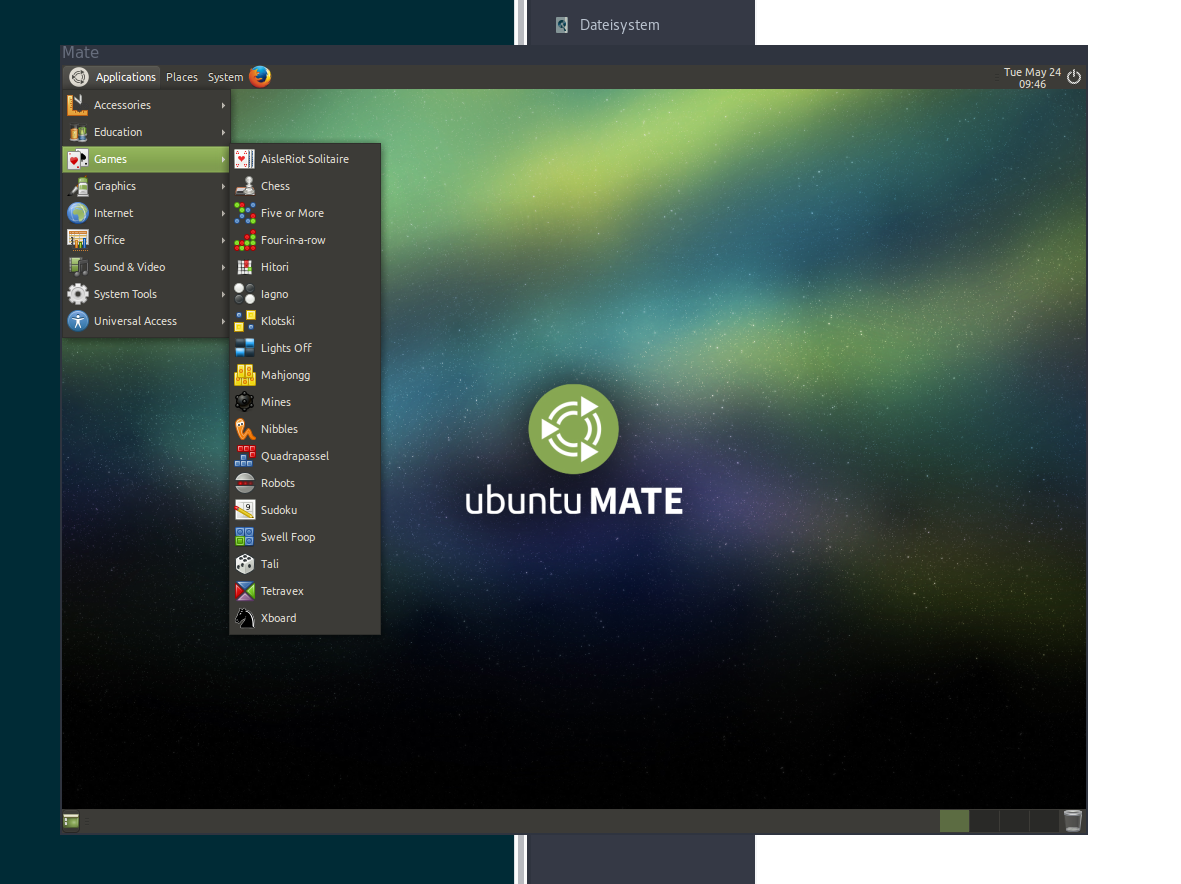
TL;DR-Version:
run:
$ sudo pacman -S xorg-server-xephyr or $ sudo apt-get install xserver-xephyr
run: $ Xephyr :1 -ac -br -screen 1024x768 -resizeable -reset -terminate &
run:
$ docker run -it -e DISPLAY=:1 --device /dev/snd -v /tmp/.X11-unix:/tmp/.X11-unix  csicar/ubuntu-mate-desktop /usr/bin/mate-session```

Window-Managers inside a container
---


As show [here](http://fabiorehm.com/blog/2014/09/11/running-gui-apps-with-docker/) docker is not only useful for server applications, but can also be used for desktop applications.

Taking it a step further I wanted to run a window-manger from inside a docker container.

There are basically 2 steps to it:
1. Creating a virtual DISPLAY using a program like [Xephyr](https://www.freedesktop.org/wiki/Software/Xephyr/)
2. giving the container access to the `DISPLAY`

### Creating a windowed X-Server


1. Installing Xephyr is pretty simple: Just do `sudo pacman -S xorg-server-xephyr` or `sudo apt-get install xserver-xephyr `
2. Now run `Xephyr :1 -ac -br -screen 1024x768 -resizeable -reset -terminate` to create a X-Server
  - `:1` is the display-id; this will need to be passed to what ever wants to access the display
  - `-ac` disables access control restrictions
  - `-br` creates a window with a black background
  - `-screen 1024x768` sets the default screen size
  - `-resizeable` makes the screen (for the guest) and the window (for the host) resizeable
  - `-reset` closes the host-window, when the guest exits the X-Server


### Giving the container access to the DISPLAY


Just do: `docker run -e DISPLAY=:1 -v /tmp/.X11-unix:/tmp/.X11-unix [container-id]`
- `-e DISPLAY=:1` will pass the value `:1` as a environment variable `DISPLAY` through to the container
- `-v /tmp/.X11-unix:/tmp/.X11-unix` will pass the file through to the container`

The rest just like you are used to with docker.


### Conclusion


#### Why?
because you can. And maybe because you can test new configurations of your WM (like i3) without worrying about breaking your main system.

#### What makes it better than virtualbox?
I get a lot beter performance when using a wm in a container instead of a vm.

### Dockerfile
https://github.com/csicar/docker-wm